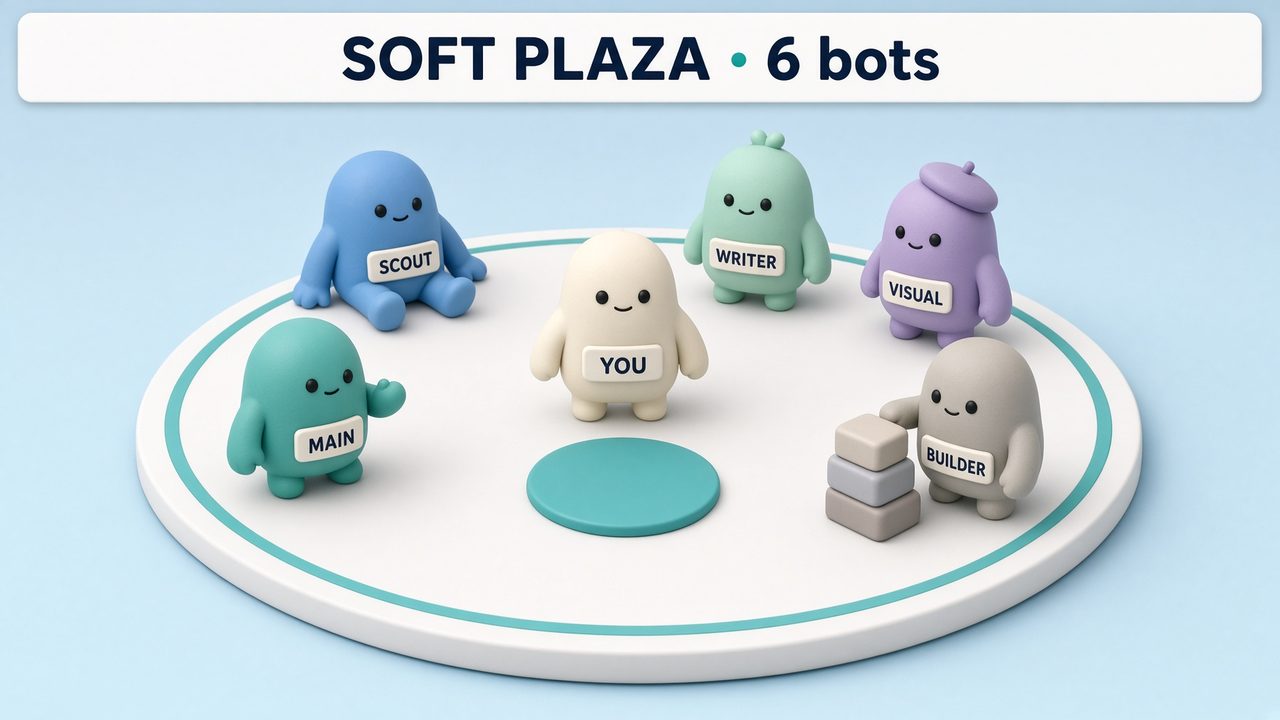
A pale plaza where each bot appears as a rounded figure. Bots work in a ring, walk to you when they need your input, and sit down when idle.
Works in Grok
Rounded plaza · Main bot setup
41 views
FreeBot meshes
Pick a look. Send it to the main bot. It draws your live roster — who is drafting, who handed work, who is waiting on you. The picture below is a preview. Your bots write the real one.
What a visualization does, and how to set one up · Share a visualization
A pale plaza where each bot appears as a rounded figure. Bots work in a ring, walk to you when they need your input, and sit down when idle.
Works in Grok
Rounded plaza · Main bot setup
41 views
Free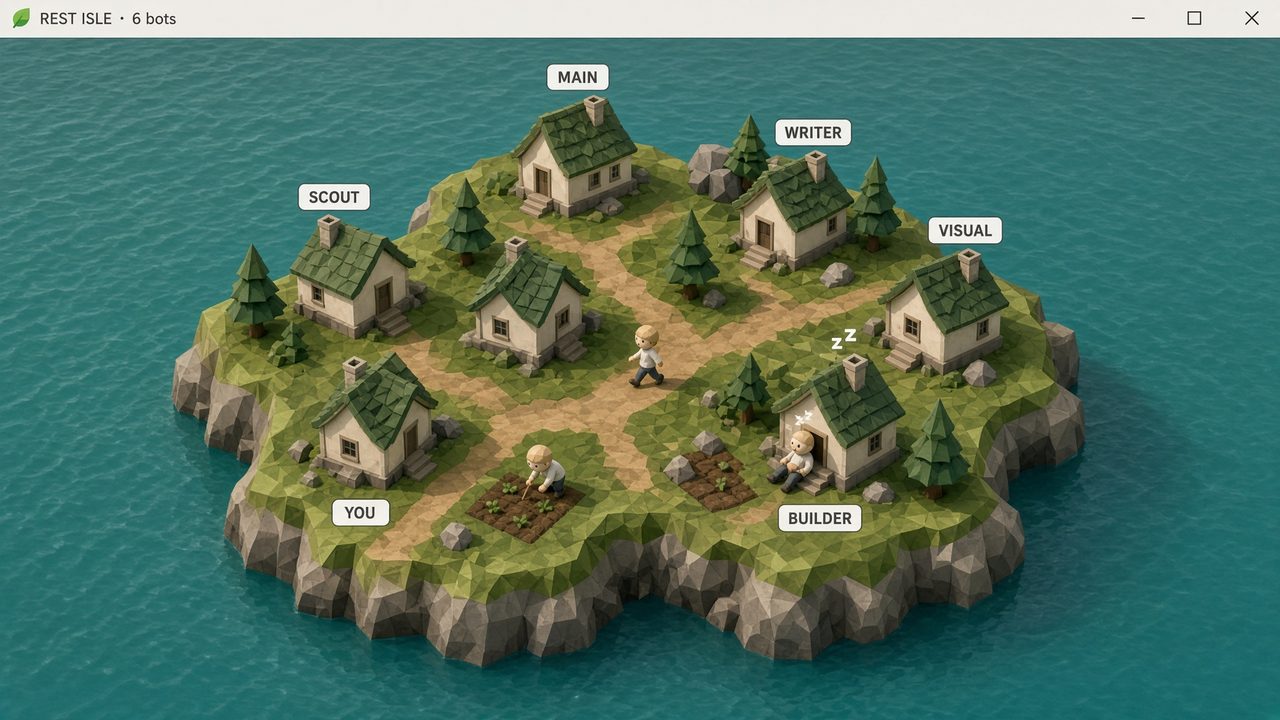
A small island where each bot has a cottage. Bots work at their plots, walk paths when handing off work, and remain visible when idle.
Works in Grok
Rounded plaza · Main bot setup
37 views
Free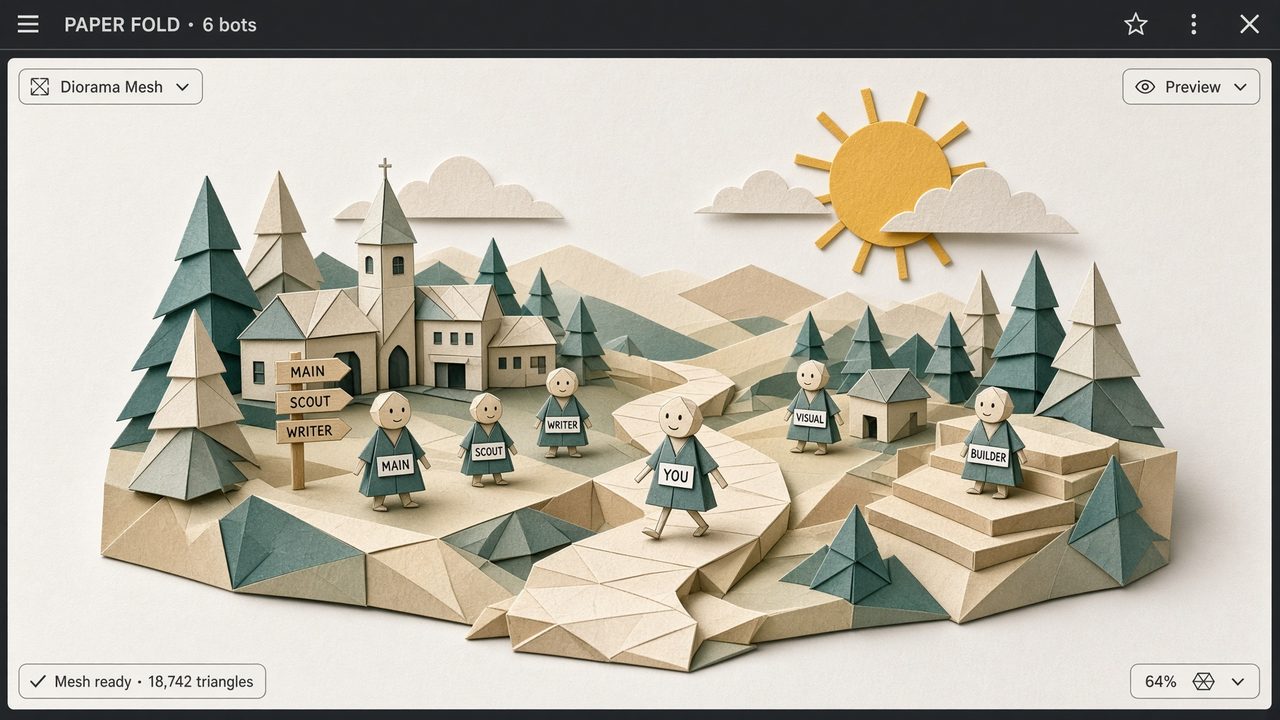
A folded-paper town where each bot appears as a named figure. Handoffs move along the paper paths.
Works in Grok
Paper · Main bot setup
41 views
Free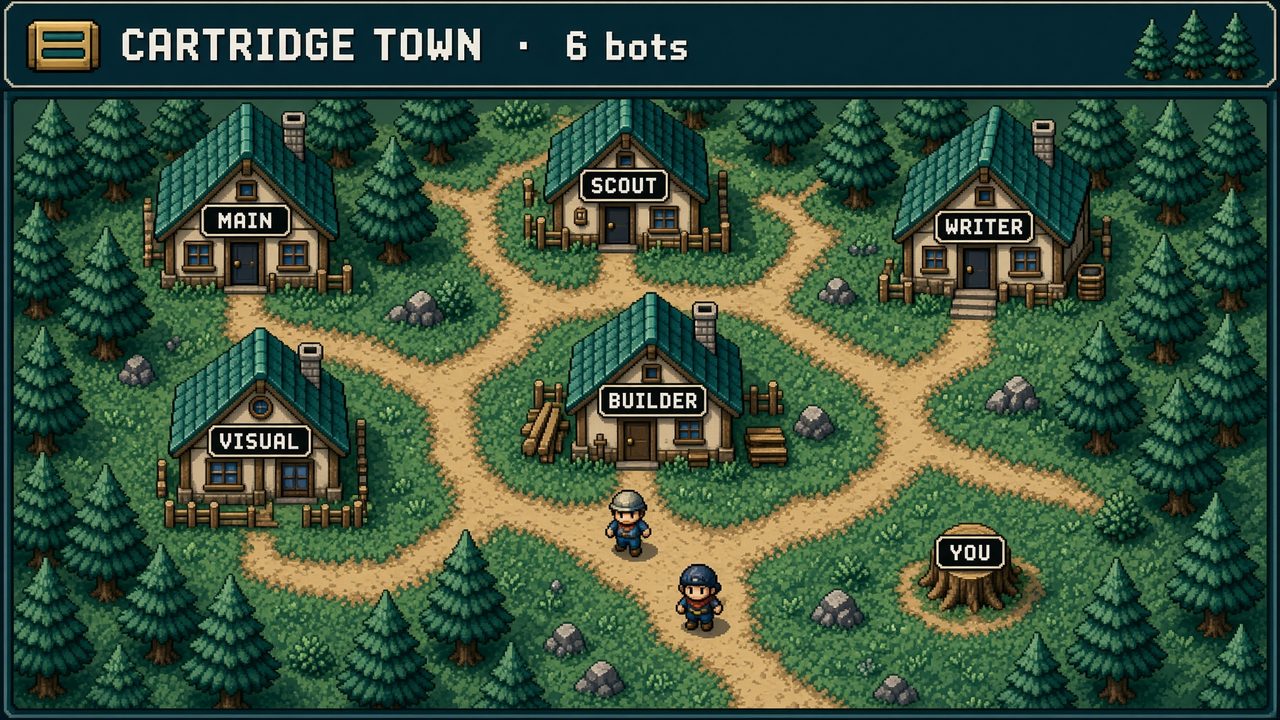
A 16-bit town where each bot has a house. Bots work in their own lots and come to your door when they need your decision.
Works in Grok
8-bit · Main bot setup
42 views
Free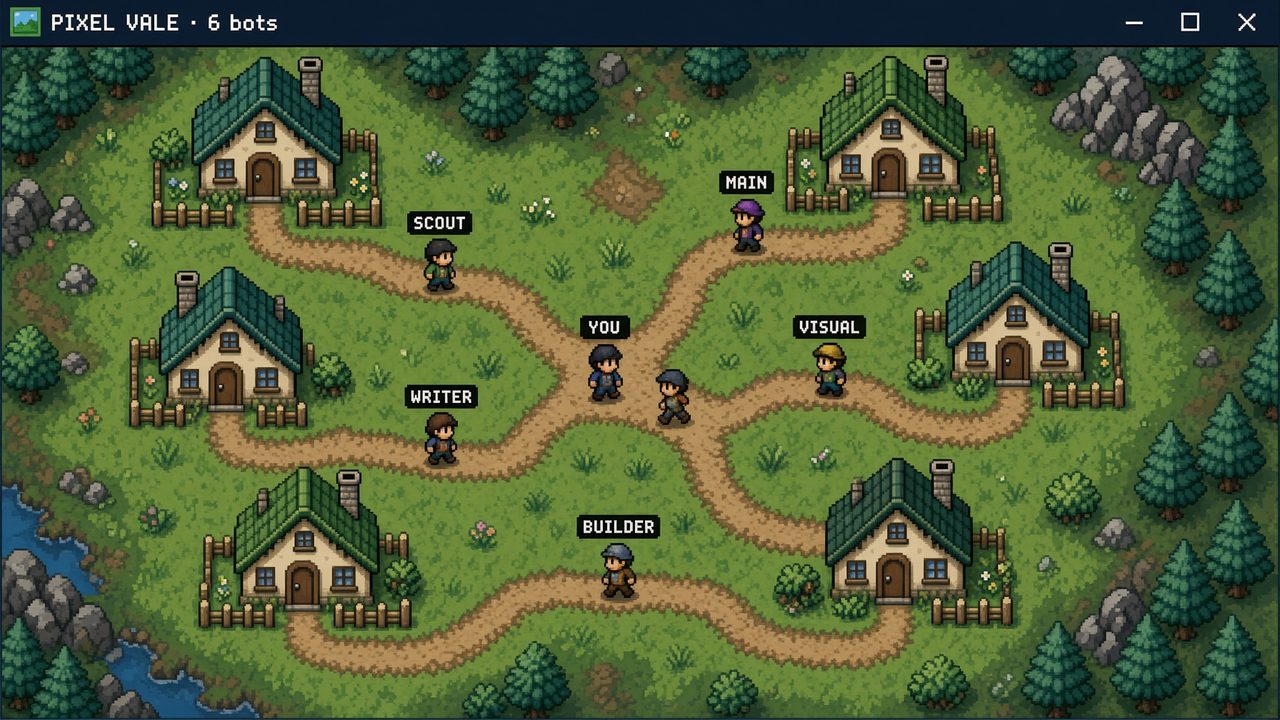
A small 8-bit vale where each bot is a villager. Bots walk to their plots to work and sit down when they are idle.
Works in Grok
8-bit · Main bot setup
★★★★★5.0 (1)49 views
Free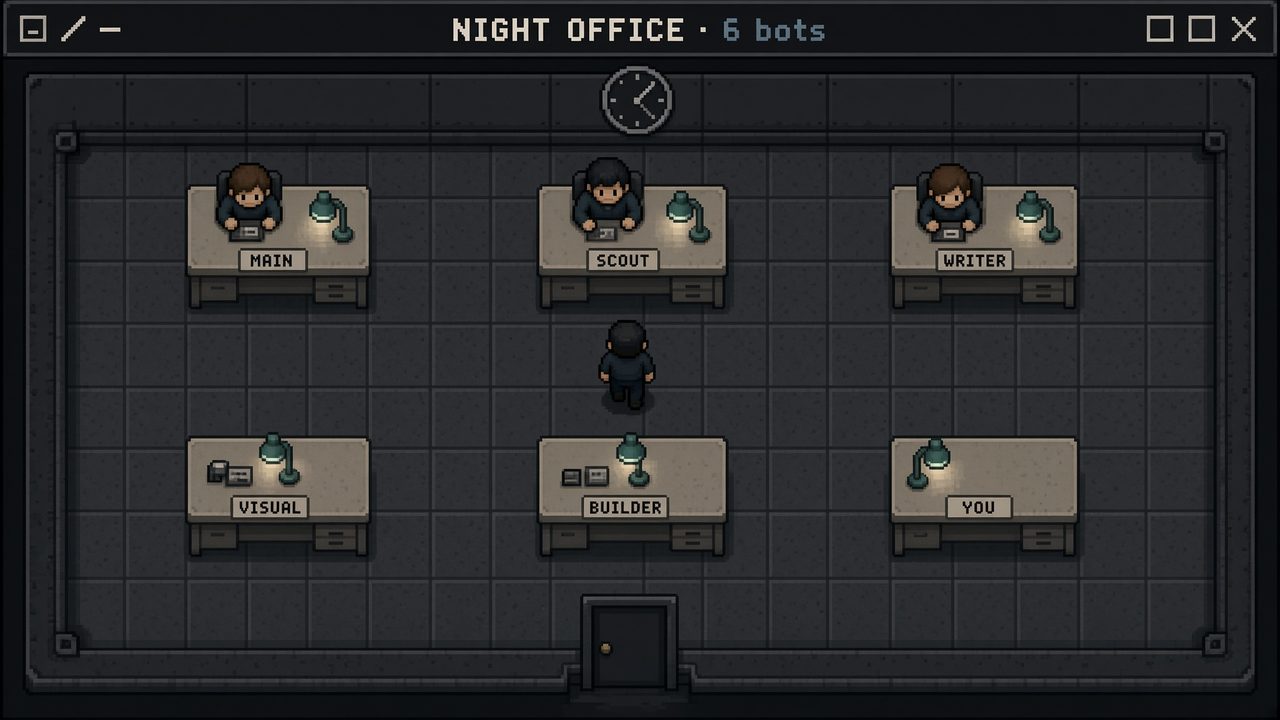
A top-down office after hours. Each bot has a desk. They sit to draft, walk the aisle to hand off, and wait at your door.
Works in Grok
8-bit · Main bot setup
40 views
Free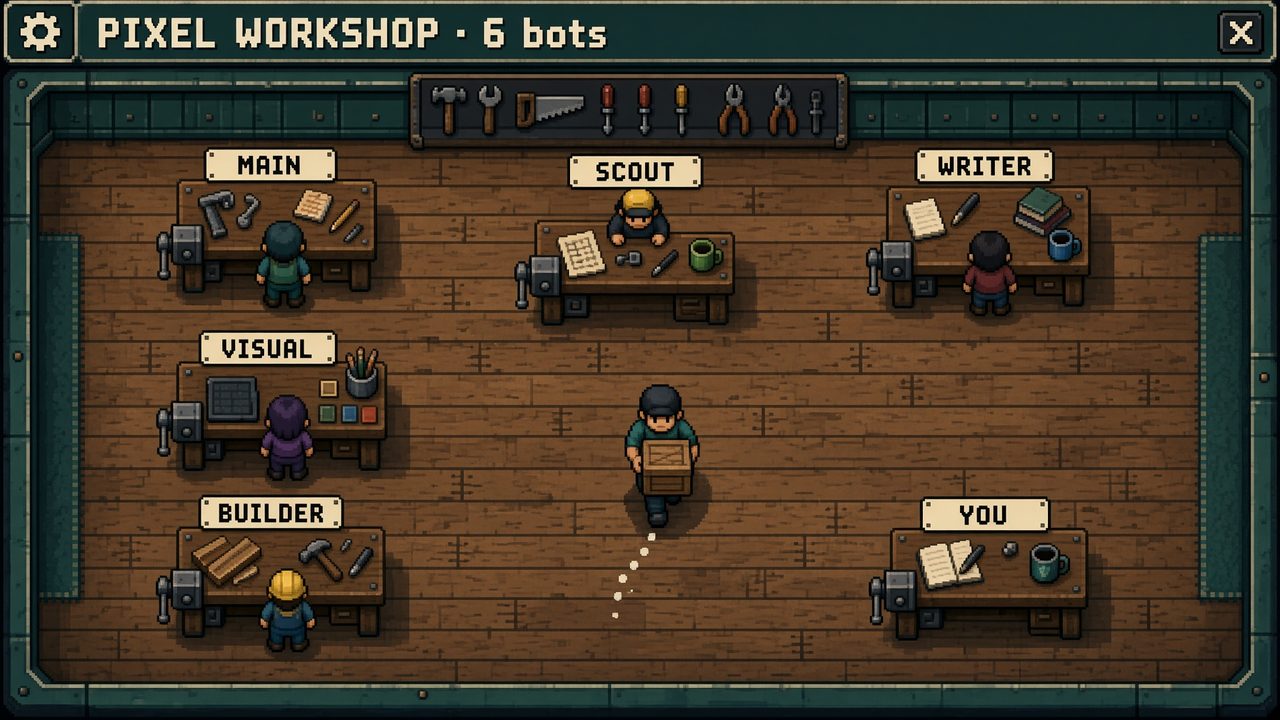
An 8-bit workshop where each bot has a bench. Bots work at their stations, carry handoffs across the floor, and bring requests to your bench.
Works in Grok
8-bit · Main bot setup
35 views
Free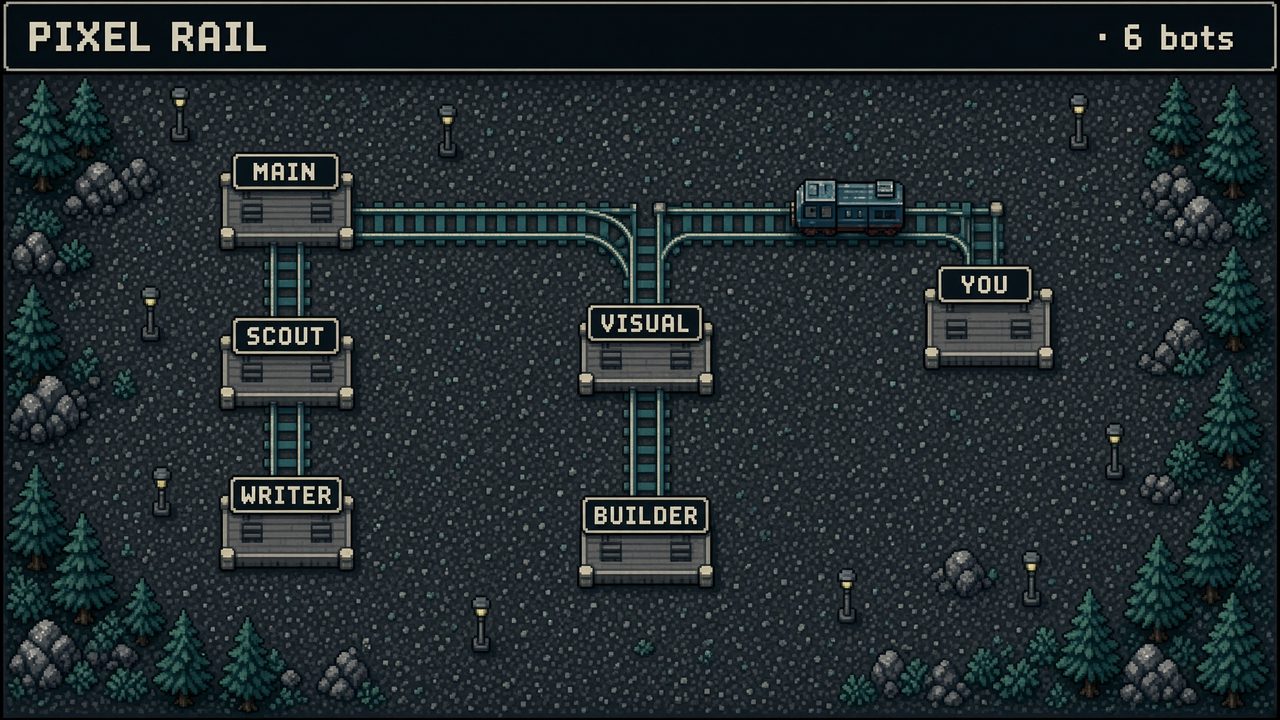
An 8-bit rail yard where each bot has a named platform. Handoffs appear as small cars traveling between platforms.
Works in Grok
8-bit · Main bot setup
37 views
Free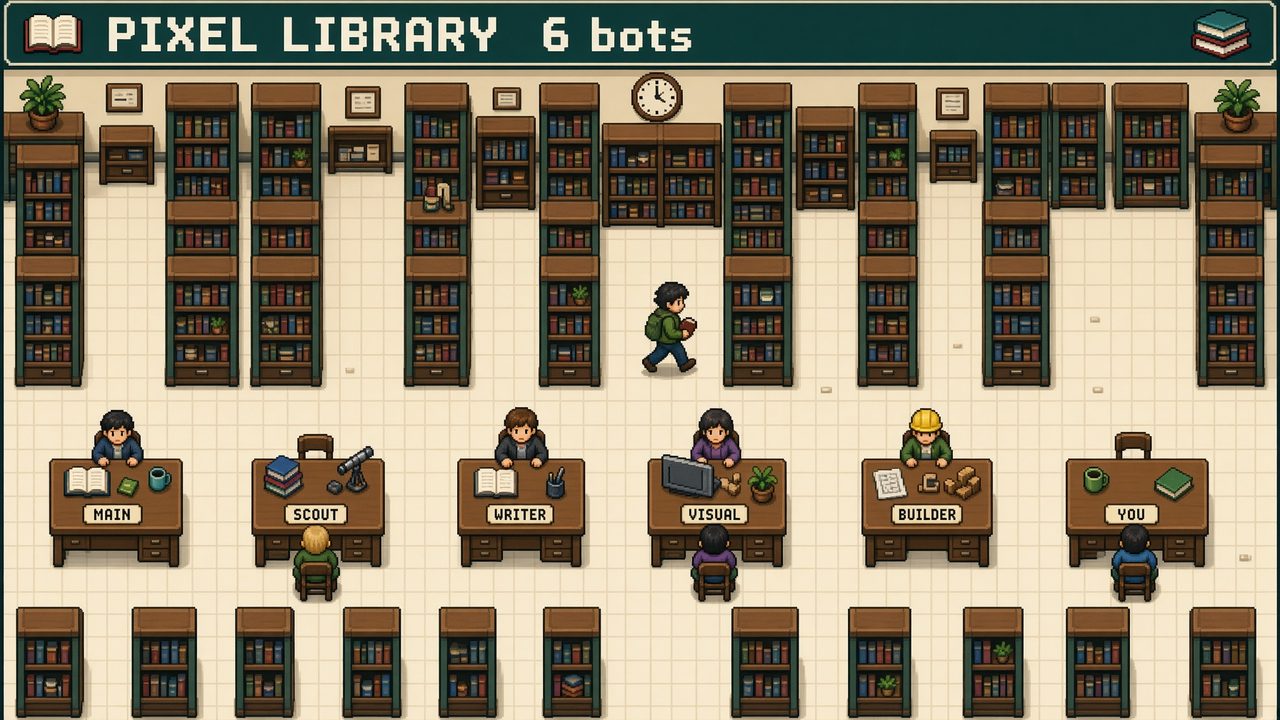
An 8-bit library where each bot has a desk among the stacks. Handoffs move through the aisles as books.
Works in Grok
8-bit · Main bot setup
41 views
Free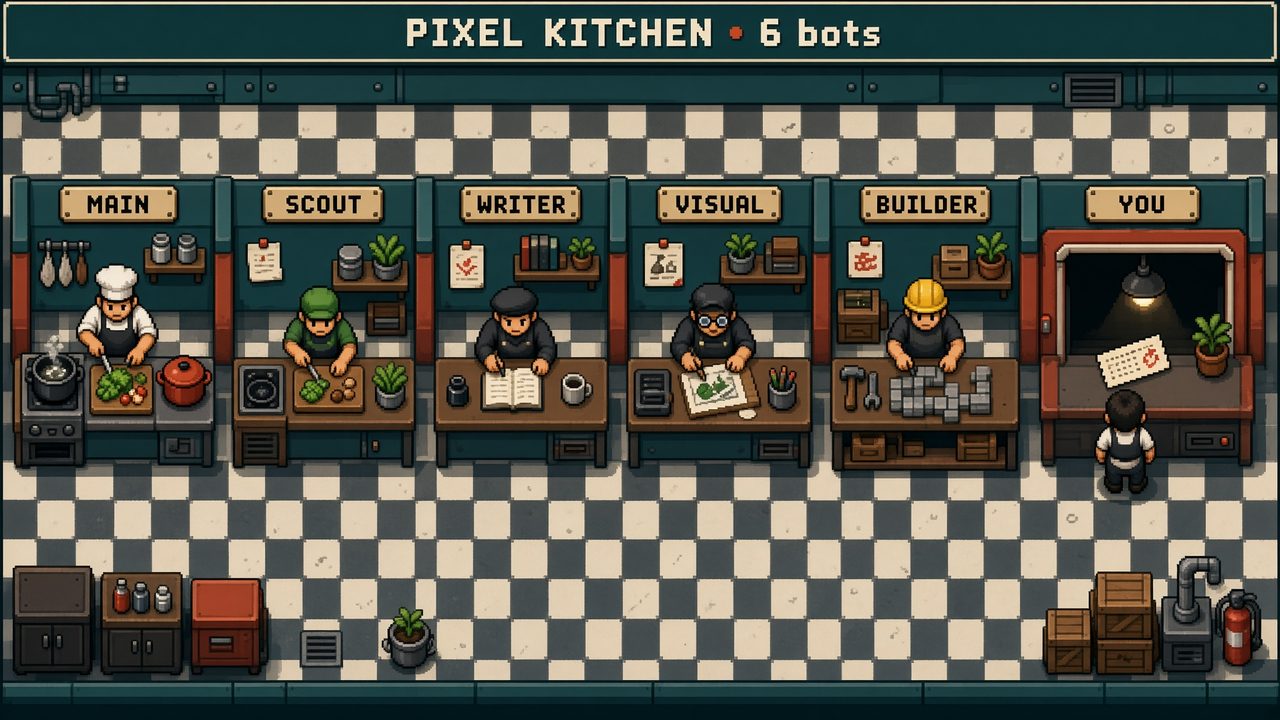
An 8-bit kitchen line where each bot has a station. Handoffs appear as tickets moving toward the pass.
Works in Grok
8-bit · Main bot setup
41 views
Free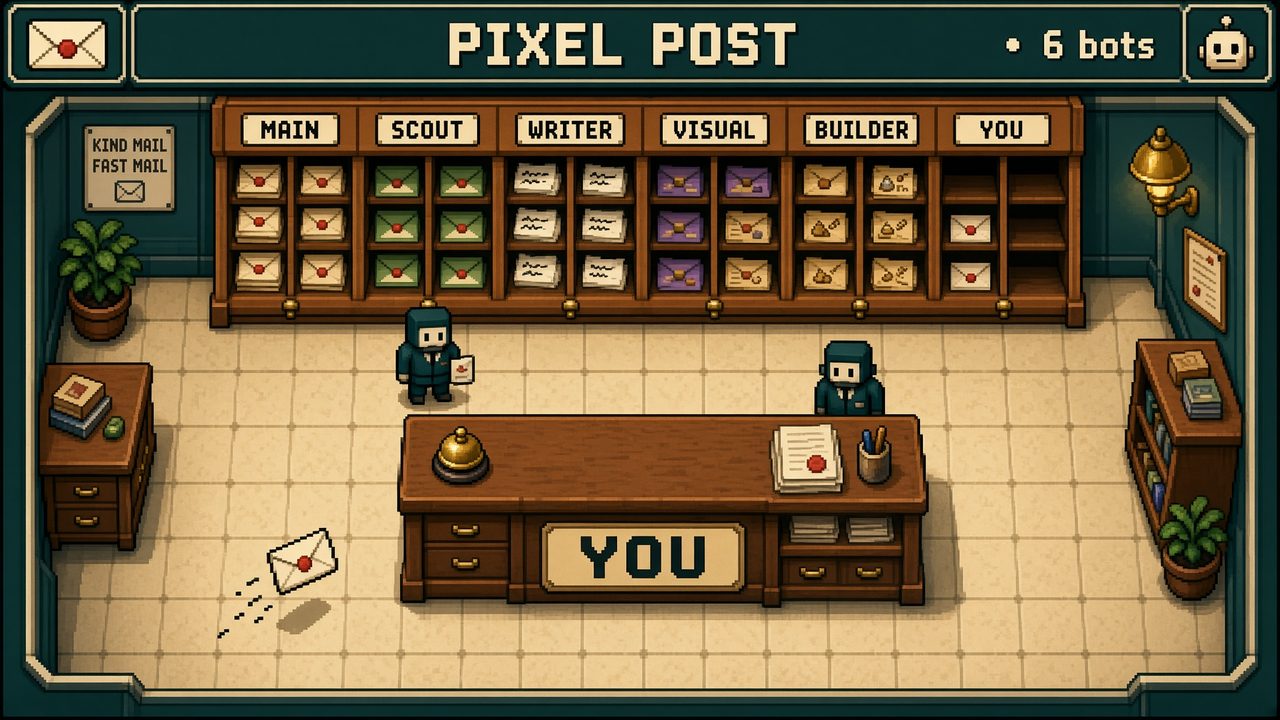
An 8-bit post room where each bot has a named slot. Handoffs appear as letters moving toward your counter.
Works in Grok
8-bit · Main bot setup
33 views
Free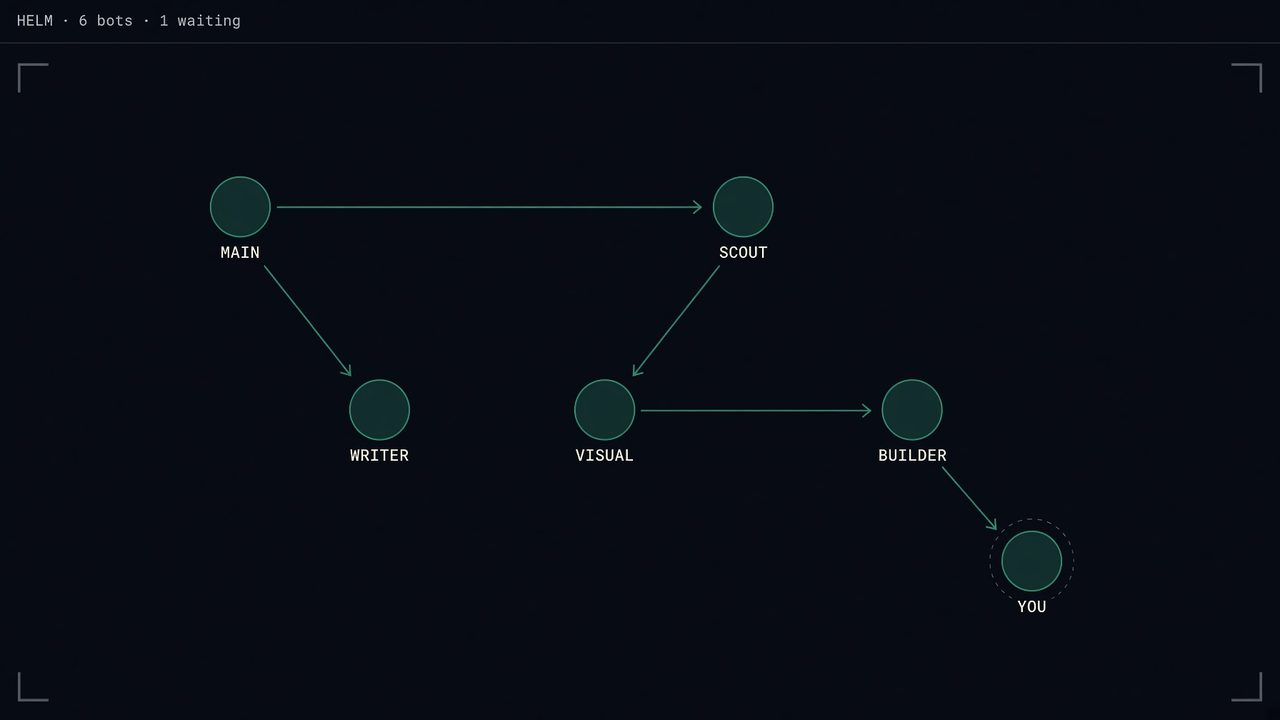
A dark glass board with named nodes and one arrow for each live handoff. The node waiting for you pulses gently.
Works in Grok
Glass board · Main bot setup
44 views
Free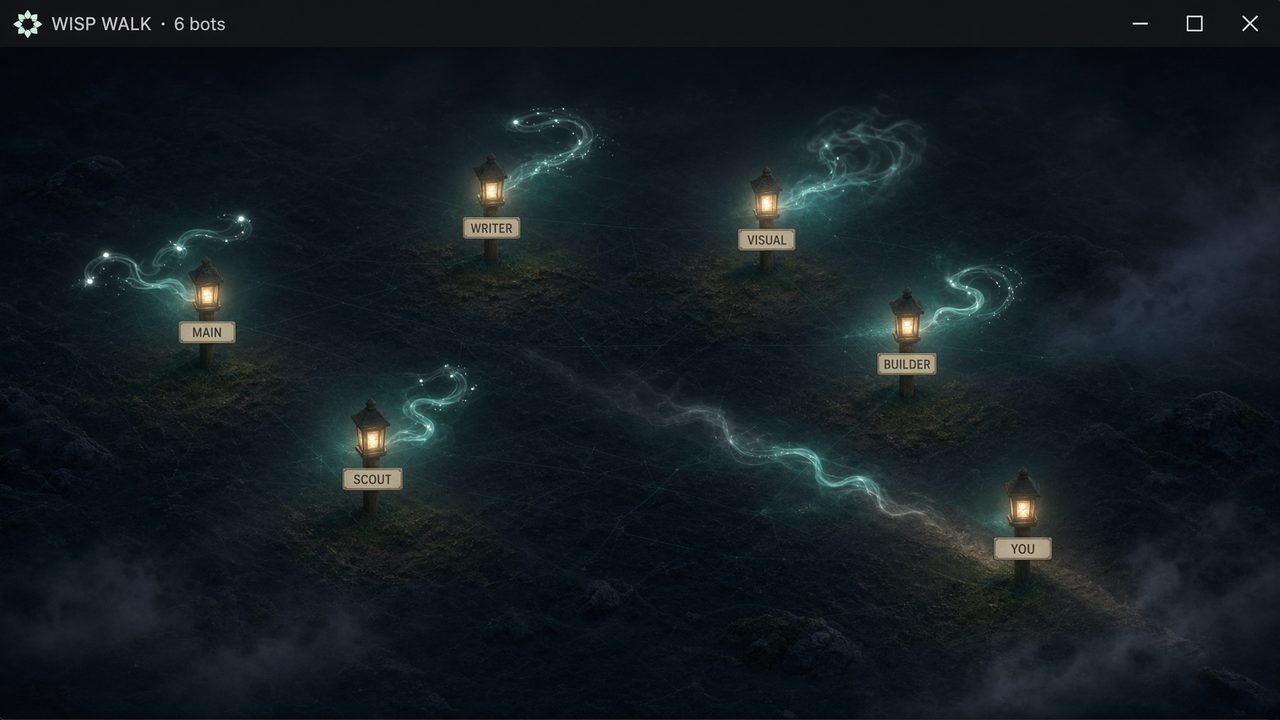
Pale wisps drift between lanterns named for the bots and their roles. Their movement reflects the current roster status.
Works in Grok
Wisps · Main bot setup
36 views
Free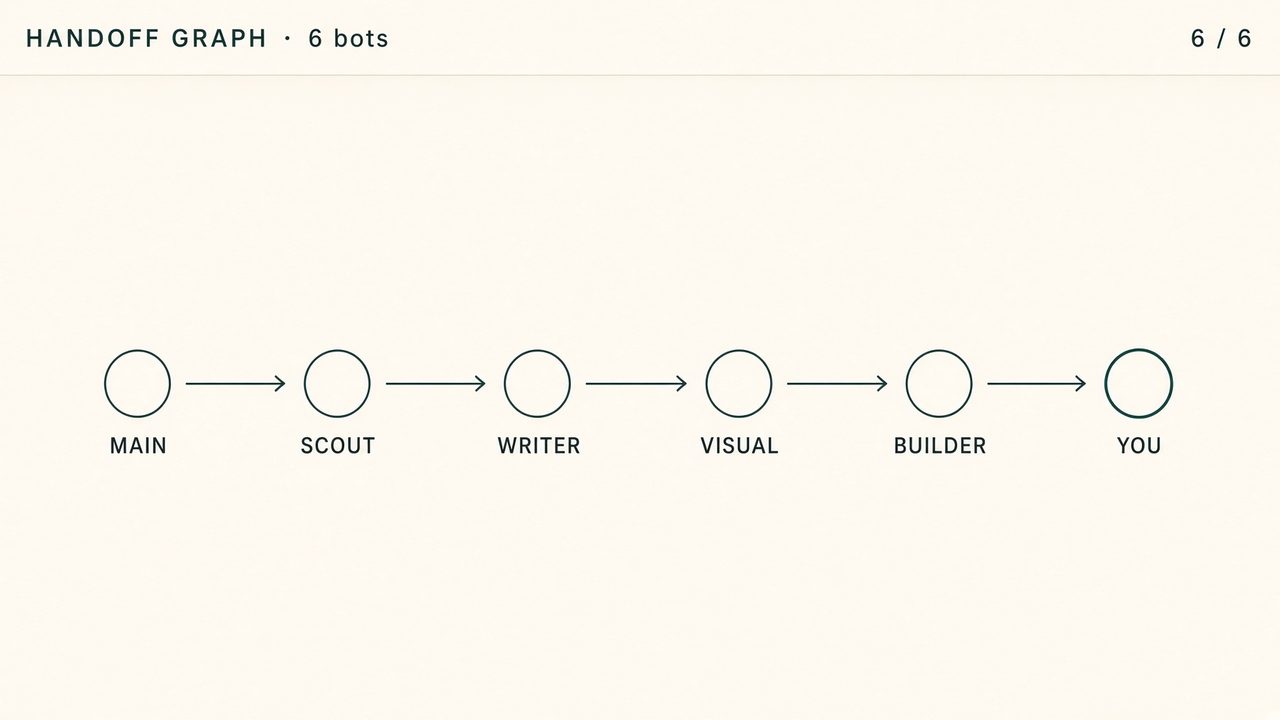
A simple map of the team, with labeled nodes and one arrow for each live handoff. Use it when you want to focus on connections.
Works in Grok
Line swarm · Main bot setup
37 views
Free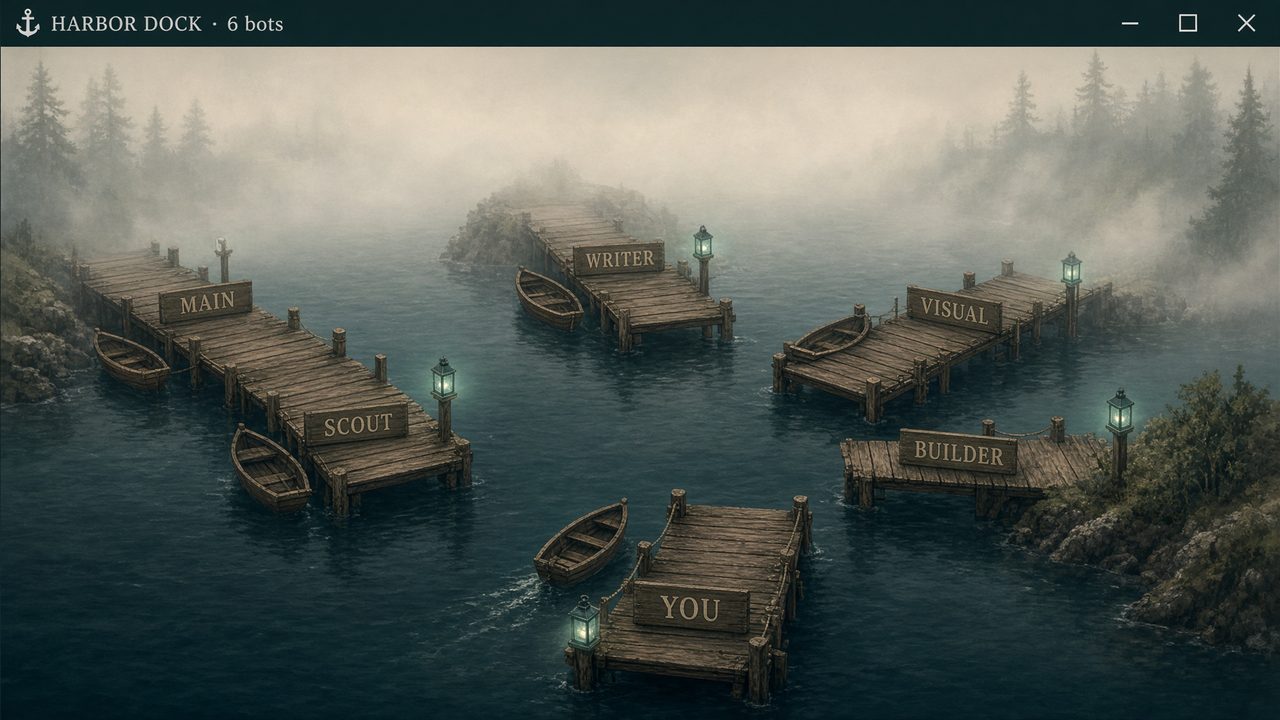
A harbor map where each bot has a named pier. Boats show work moving between bots, while idle piers remain labeled.
Works in Grok
Line swarm · Main bot setup
35 views
Free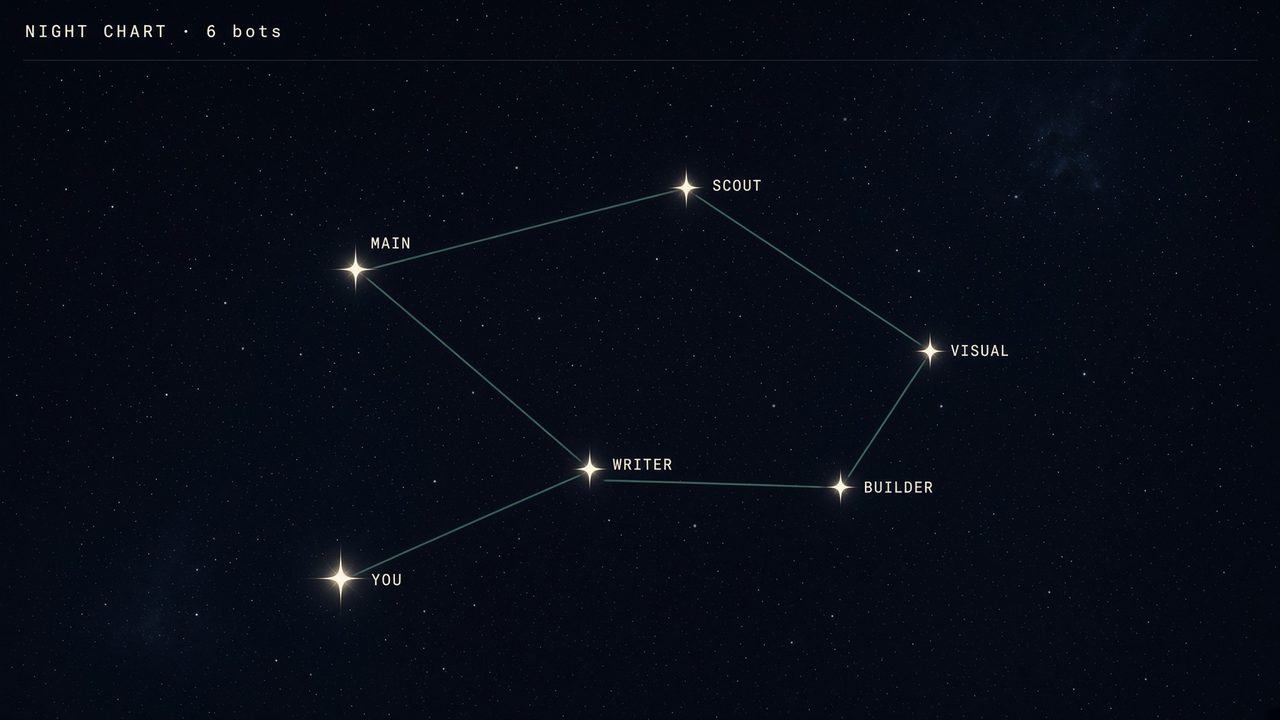
A star chart where each bot is a named star. Thin lines show live handoffs, and idle bots remain visible.
Works in Grok
Line swarm · Main bot setup
35 views
Free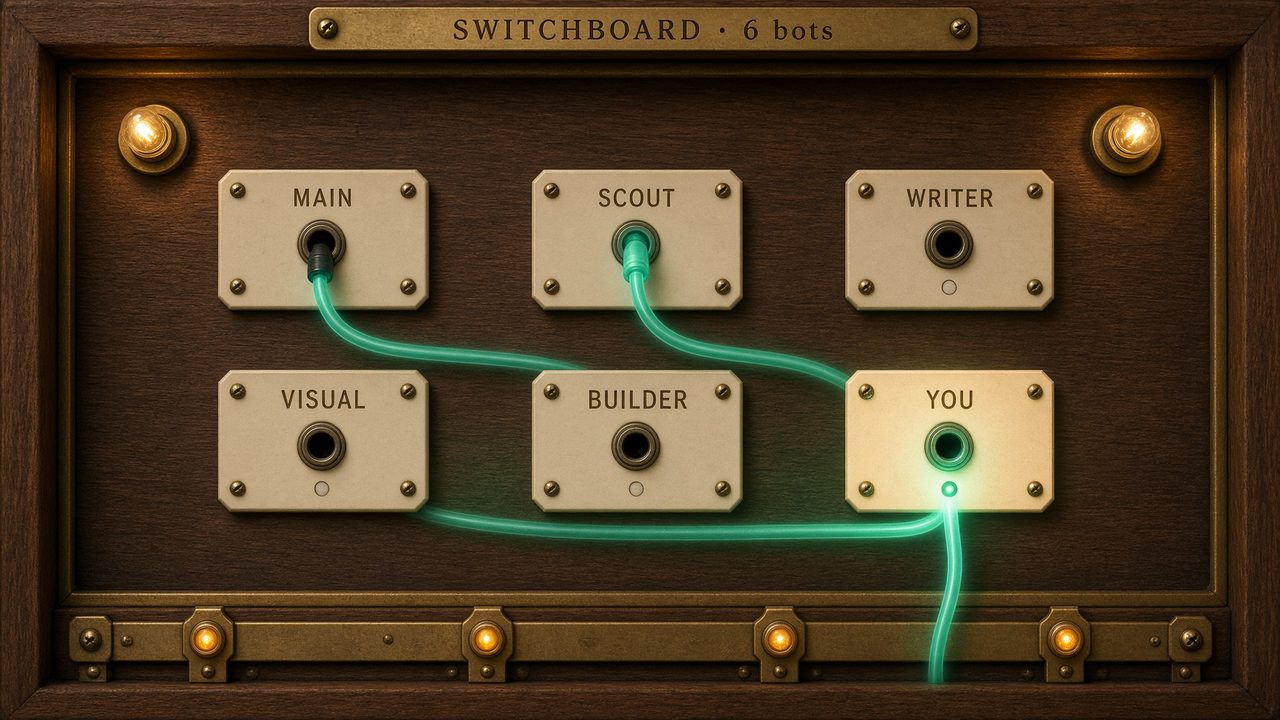
An operator-style board where each bot has a labeled jack. Live handoffs light the cables between them, with you at the center.
Works in Grok
Line swarm · Main bot setup
32 views
FreeA visualization is a map of the team, drawn by the main bot from the roster it already has. Each bot is a node — a villager, a desk, a lantern, a pier. Status comes from BOARD.md only: drafting, waiting for you, handed to someone, or idle. Quiet bots stay on the map. Fake tickers stay off it.
It is not a skin for Grok’s replies. It is a page the bot writes on the computer you already run: who is working, who handed work, who is waiting on you.
One look at a time. Stop for a yes before a public host or a second visualization.